
Presentations · Windows 10 and 11
Presentations that open PowerPoint files
Pick a layout and a theme, type, drop in pictures and shapes, and press Present. Open the .pptx you were sent, change it, and save it back as a PowerPoint file.
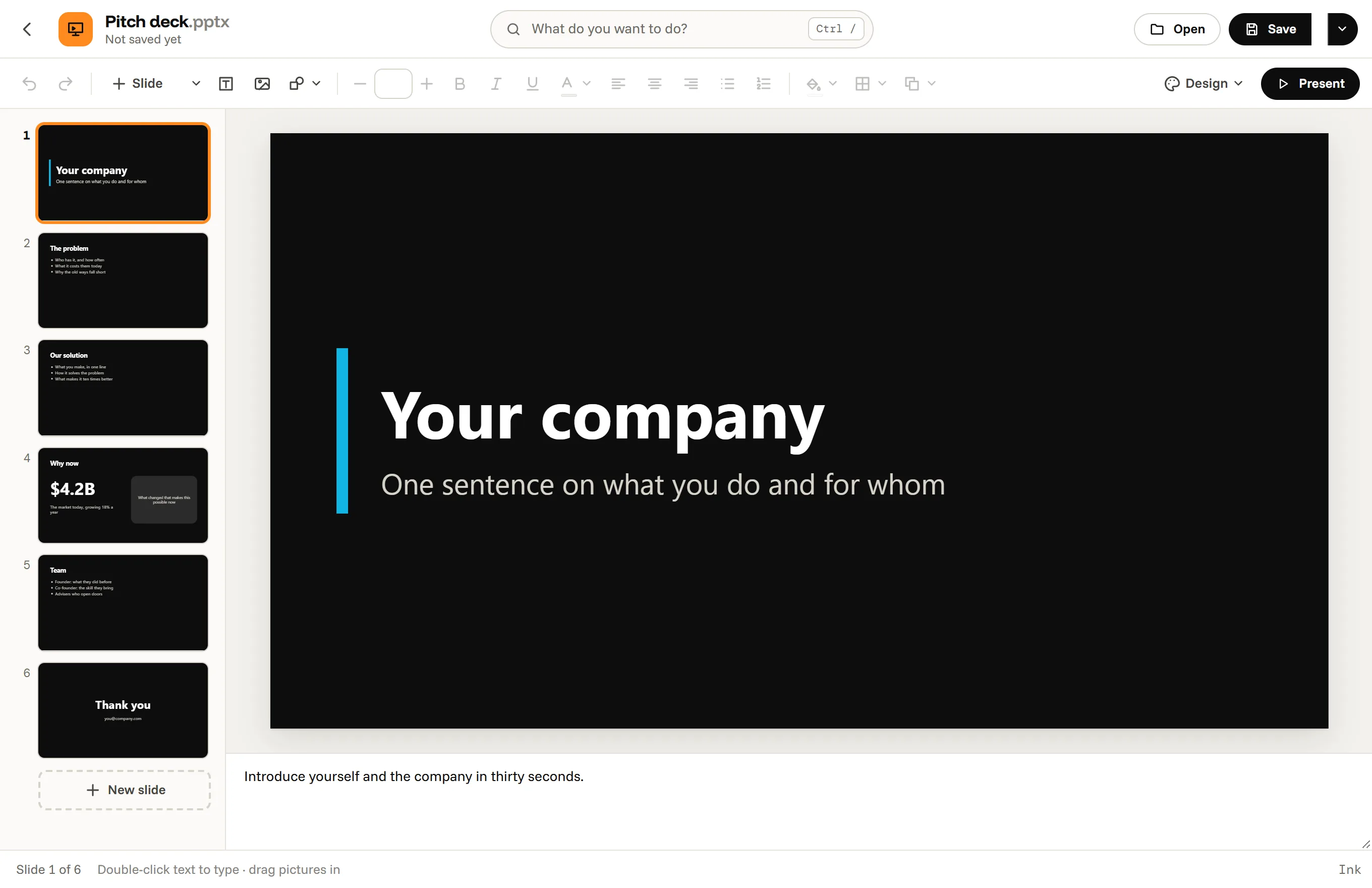
What you can do in Presentations
What you can do in it
- Layouts: Title, Title and text, Two columns, Section, Picture and text, Big statement and Blank.
- Themes: Paper, Ink, Ocean, Sunrise, Mint, Violet and Classic, or the theme of the file you opened, and a background color per slide.
- Text boxes with bullets and numbering, pictures, and shapes: rectangles, circles, triangles, arrows and lines.
- Align and arrange with snap guides, duplicate slides, speaker notes.
- Present: F5 from the start, Shift F5 from the current slide, arrows to move, B for a black screen.
Start from Pitch deck, Lesson or Project update, or a blank deck. Save as PDF writes the slides as 16:9 pages of a PDF, with no printer dialog.
PowerPoint files
Presentations opens .pptx files and saves them as .pptx. Slides are 16:9; older 4:3 decks are fitted in. Tables, charts, SmartArt, video, animations and transitions are not in it yet: when a deck has them, Octoolo names them as it opens and asks before saving over the original. Old .ppt files must be saved as .pptx in PowerPoint first.
Questions, answered
Can I open a PowerPoint file without PowerPoint?
Yes. Presentations opens .pptx decks with their text, pictures, shapes, notes and theme, and saves them as .pptx.
Can I present from it?
Yes, full screen, with the arrow keys, Page Up and Page Down, so presentation clickers work too. Speaker notes are not shown while presenting yet.
Does it do animations and transitions?
Not yet.
Are my slides uploaded?
No. They stay on your computer.
Presentations, and 16 more apps.
Download for Windows7 days free, then from $3.99 a month for all 17 apps. Windows 10 and 11.