
Dev Toolbox · Windows 10 and 11
Dev Toolbox: the little tools, offline
The sixteen tools you otherwise open a browser tab for, in one window that never sends what you paste anywhere: tokens, keys, customer data and config files stay on your machine.
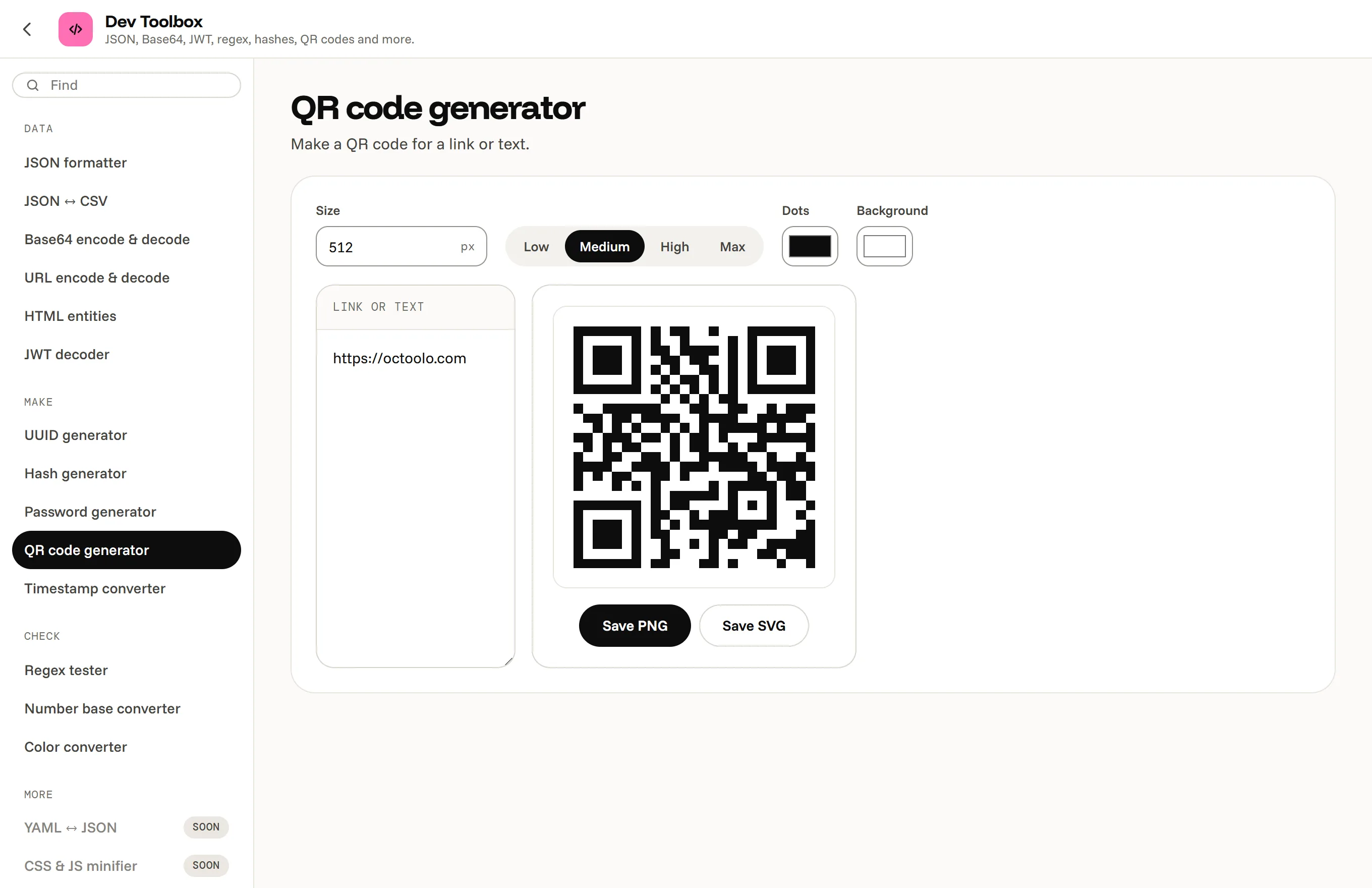
What you can do in the Dev Toolbox
The tools
- JSON formatter and validator, and JSON to CSV and back.
- Base64, URL and HTML entity encoding and decoding.
- JWT decoder, regex tester, Unix timestamp converter.
- SHA hashes, UUIDs, passwords.
- Binary, octal, decimal and hex, color codes, QR codes.
- Barcodes (EAN, UPC, ISBN, Code 128 and more) and color palettes from a color or a picture.
Why offline matters here
Developer tool sites are where secrets leak: a production JWT pasted into a decoder, a customer export into a JSON formatter, an API key into a Base64 page. Each Dev Toolbox tool runs in the app on your own computer, with no server behind it, and works without a connection.
Questions, answered
Does anything I paste get sent anywhere?
No. The tools run on your computer and make no network requests.
Are YAML, SQL formatting, minifying and cron coming?
Yes, they are on their way.
Does the JWT decoder check signatures?
No, it decodes the header and claims and shows the dates; it does not verify the signature.
Can I use it on a locked-down work PC?
Octoolo installs for your own Windows account without administrator rights. Check your company's rules first.
The Dev Toolbox, and 16 more apps.
Download for Windows7 days free, then from $3.99 a month for all 17 apps. Windows 10 and 11.